100% Secure & Private
A64 Converter
A64 conversion that keeps your files private. reaConverter runs offline on your PC with full batch processing.


How to Convert .a64 Files in Bulk
1. Install reaConverter

2. Select A64 Files

3. Start Conversion
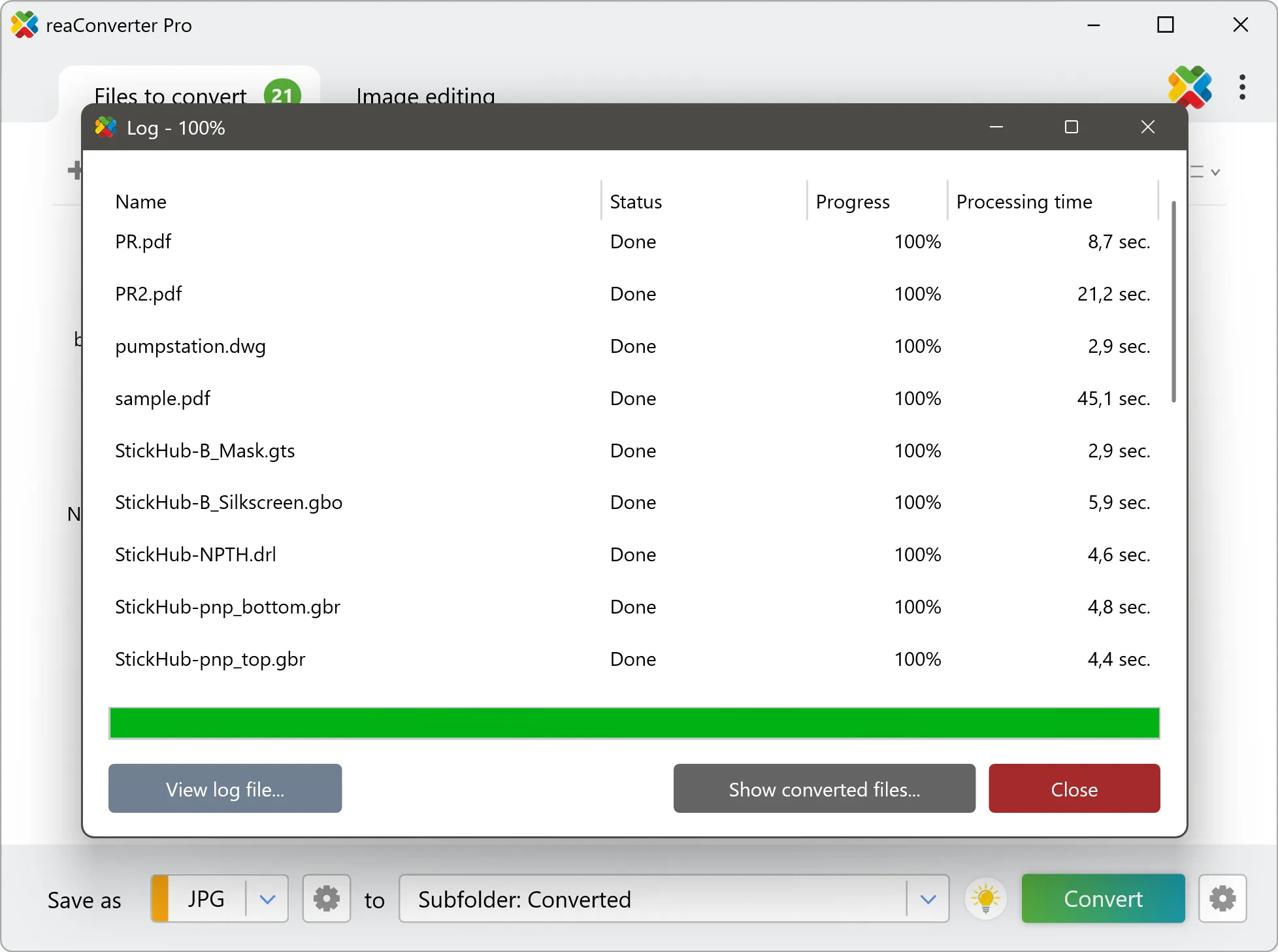
Step by step
See It in Action
For quick and effortless A64 file handling on your PC, reaConverter offers powerful conversion tools with batch processing. Best of all, it works entirely offline — ensuring your sensitive data never leaves your computer.
Extra Tools
Do more with your files
Converting A64 files for use in a larger project? reaConverter offers many ways to process files, so you can customize them according to your requirements.
Our range of editing options includes auto-processing options such as auto-rotate, auto-crop, watermarking and more. Change Color Space, copy Metadata, set DPI, manage ICC Profile, control Bit Depth.

User reviews
From those who tried it
Average User Rating:Last updated on July 29, 2026



Questions & Answers
A64 files: Frequently Asked Questions
What are A64 files?
The A64 file format is an infrequent file format linked to the Artist 64 digital intercom matrix platform, which permits the interconnection of multiple frames via a redundant optical fiber ring. This top-of-the-range infrastructure system is employed in broadcasting, stadium and theme park events or performance theaters. The Artist 64's matrix size spans a maximum of 1,024 x 1,024 ports.
Can reaConverter open A64 files?
reaConverter fully supports the A64 file format – open, edit, and export A64 files to any other popular file format with ease.
How do I change A64 to another format?
reaConverter is a user-friendly tool for converting A64 files. Once installed on your computer, it allows you to convert all your .a64 files at once with just a few clicks. You can even convert A64 files directly from Windows Explorer using the right-click menu — fast and convenient.
Can I convert A64 online?
If you only want to convert a few A64 files, you are welcome to try our free online A64 converter.
How can I turn A64 files on my computer to another format?
The best way to convert A64 files on your PC is to get a quality piece of software, such as reaConverter. This software is extremely efficient in managing a wide range of batch files conversions, including conversion from A64.
How can I automate A64 files conversion?
reaConverter supports all the essential automation features, such as right-click сonversion and Watch Folders, for the most efficient automated file conversion in any software of its kind.
Can I convert A64 files using scripts or the command-line interface?
reaConverter provides full access to all its features from the Windows command-line shell, including the command-line a64 converter.
What else can I do with reaConverter?
Convert vector imagesChange image DPIConvert CAD formatsChange file dateConvert DICOM images
What formats can I convert a A64 file to?
Discover More
Beyond A64 conversion
Convert .a64 files in batches of any size, with editing and processing applied along the way. The same tool also handles 800+ other formats, including CAD, medical imaging, and GIS.
