Free edition · Windows 10 / 11
reaConverter Lite
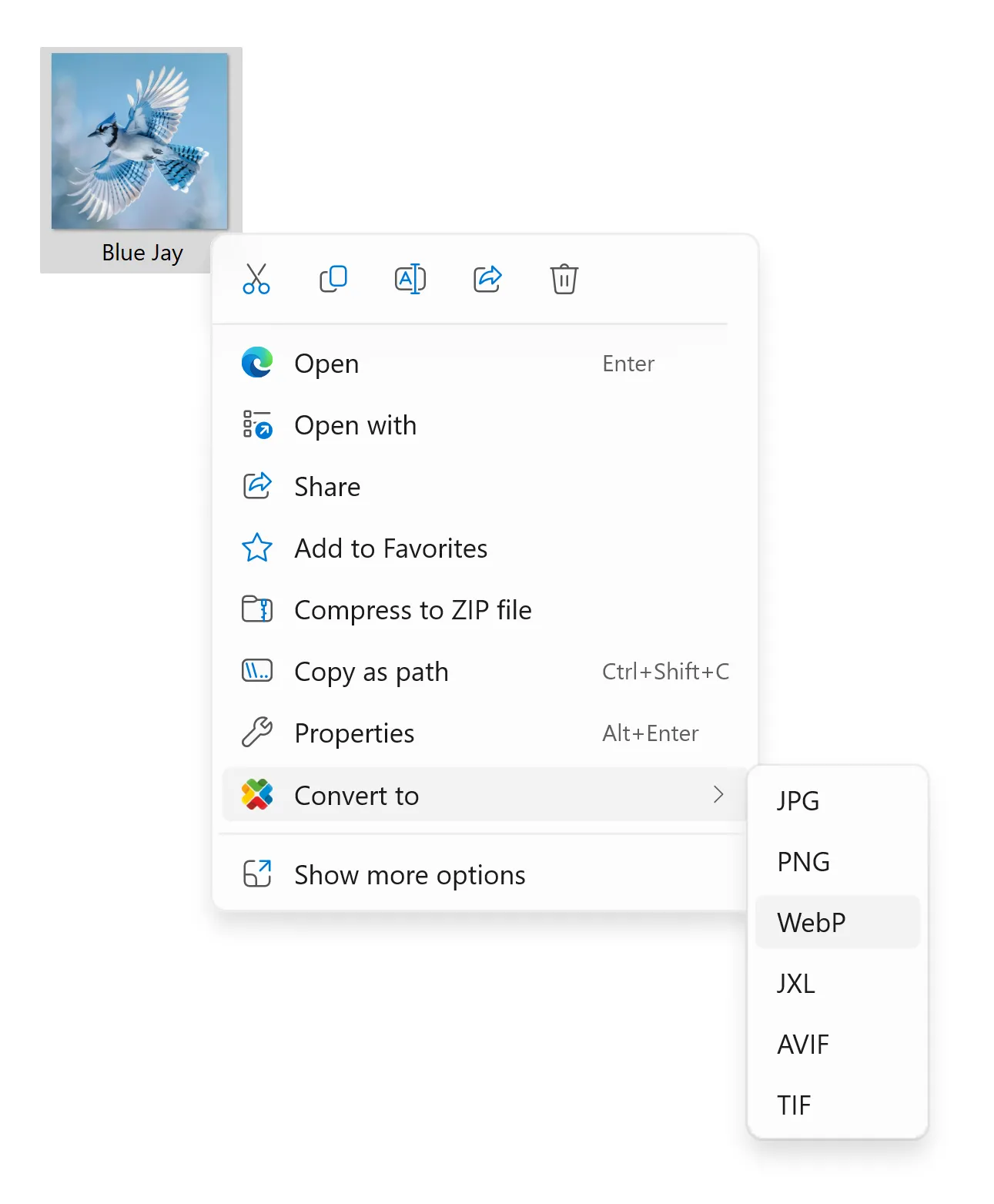
Select any images in Explorer, right-click, pick a format. No app to open, nothing to upload, no account. reaConverter Lite is free software, not a trial.
Formats
Freeware. No account.
File size: 48Mb; Last build: 8.0.254; October 16, 2026
What's inside
Small download, not a small program
reaConverter is a fast, privacy-focused and free image converter that works offline. No setup hassle — just quick conversions and support for next-gen formats like WebP, AVIF, and JPEG XL (JXL).

Right-click conversion
Convert straight from Explorer's context menu. The app never has to open.
Batch workflow
Drop in hundreds of files or whole folder trees and convert them in one pass.

Editing tools
Resize, crop, rotate and watermark — applied during conversion.
Ultra-fast conversion
Uses every core your CPU has, so a large batch finishes while you wait.

Offline processing
Everything happens locally. Nothing is queued, stored or sent anywhere.
Windows Fluent UI
Built for Windows 11 — not a decade-old interface with a new icon on it.

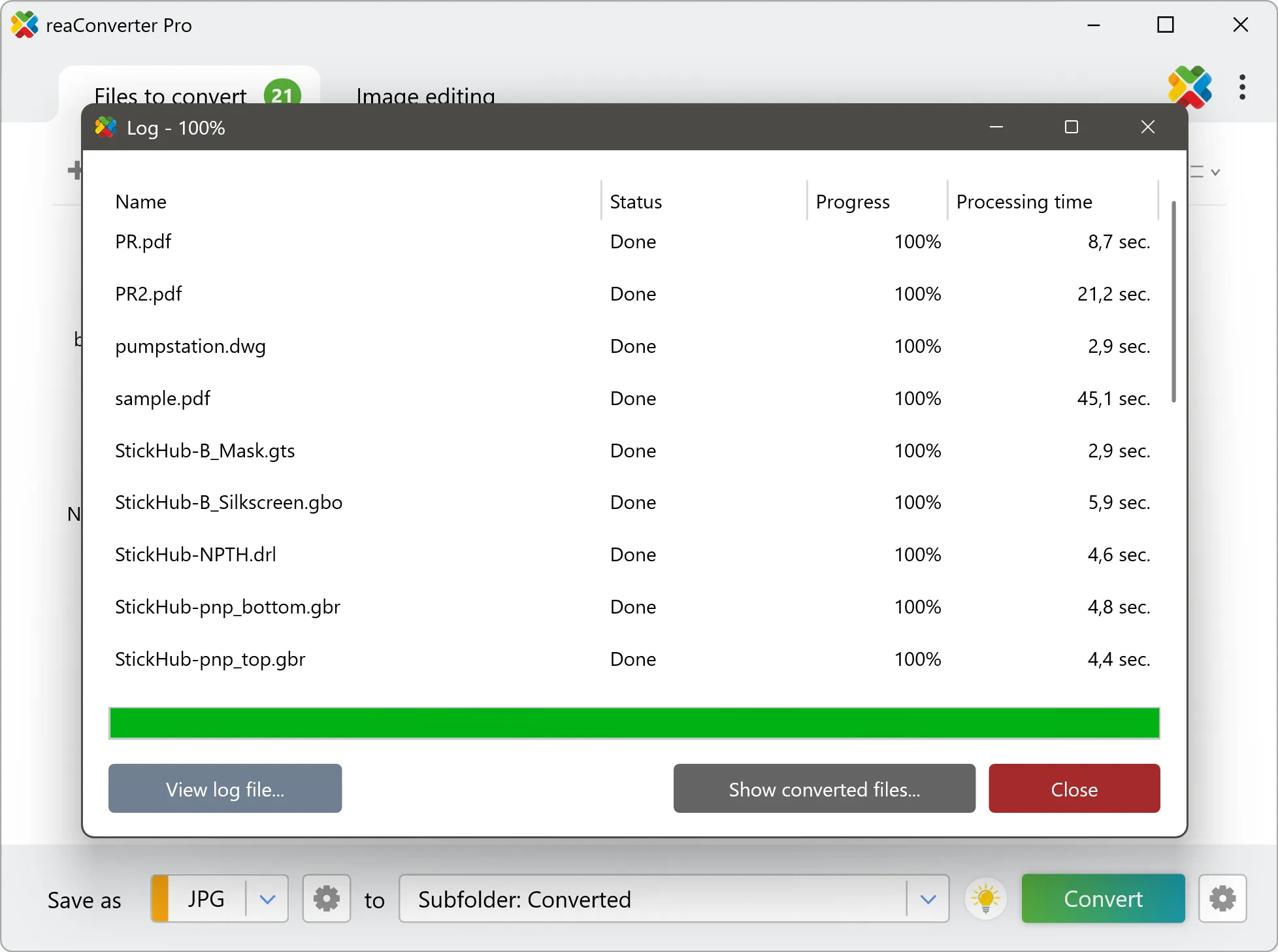
Watch it run
How to use?
Using reaConverter is simple: Add your files, Select the output format, and click Convert — that’s it!
Trusted by users
Installed once, kept for years
Hands down the fastest JPG converter online! Upload → Select format → Download. Free, simple, and gets the job done in seconds.
- J. Mitchell
5/5⭐ Finally! Does what it promises - converts AND tweaks images without complicated menus. Perfect for quick jobs.
- Rev. David M. JohnsonHappy Online User
Perfect for quick conversions! When I just need to turn a few BMPs into JPGs, this online tool saves me from installing software. Three clicks and done - couldn't be simpler!
- Sarah T.Graphic Designer
I deal with hundreds of images daily, and reaConverter has been a lifesaver. The Watch Folders feature lets me automate file conversions without lifting a finger. I set up a folder for incoming files and it automatically resizes, renames, and converts them into the formats I need. It's like having a personal assistant!
If you outgrow it
Lite is the floor, not the ceiling
Not in Lite
- 800+ formats
- CAD & DWG
- Camera RAW
- DICOM
- PDF & Office
- 3D meshes
- Gerber
- GIS
- Watch Folders
- Command line