100% Secure & Private
FGB Converter
FGB conversion on your own PC. No account, no subscription, no per-file quota, and nothing leaves the machine.


How to Convert .fgb Files in Bulk
1. Install reaConverter

2. Select FGB Files

3. Start Conversion
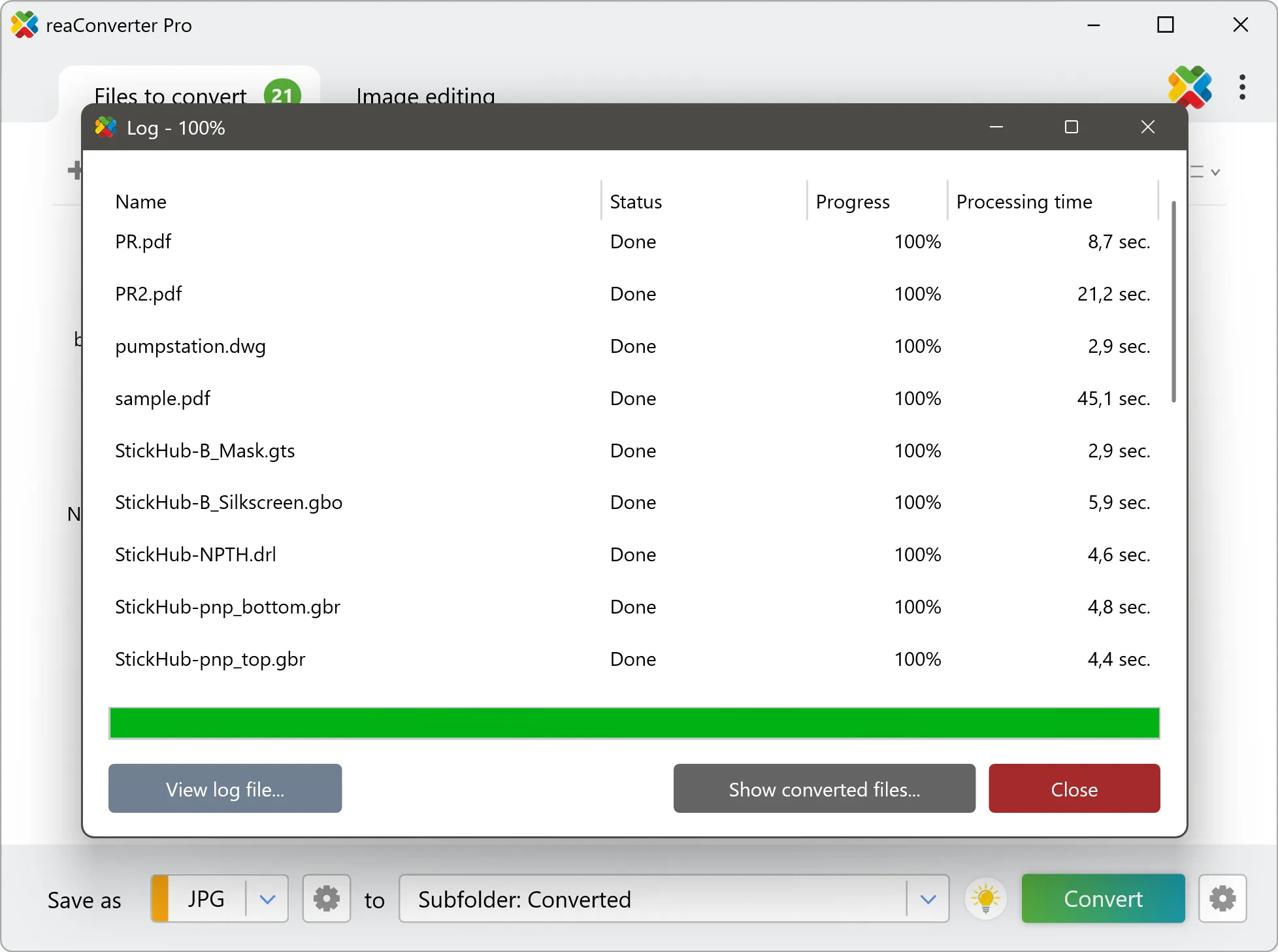
Step by step
See It in Action
For quick and effortless FGB file handling on your PC, reaConverter offers powerful conversion tools with batch processing. Best of all, it works entirely offline — ensuring your sensitive data never leaves your computer.
GIS Toolkit
Do more with your GIS data
Need FGB data in someone else's software? reaConverter moves layers between GIS, CAD and document formats without QGIS or ArcGIS, and works through whole folders in one pass.
- Move layers between GIS formats such as Shapefile, GeoJSON, KML, KMZ and GPX
- Bring map data into CAD as DXF or DWG, and turn CAD drawings into Shapefiles
- Render maps to PDF, SVG, PNG or JPG for reports, slides and print
- Convert incoming survey and field data automatically with Watch Folders
- Script GIS conversions from the command line for pipelines and scheduled jobs
- Keep cadastral, utility and client data on your PC: nothing is uploaded

User reviews
From those who tried it
Average User Rating:Last updated on July 29, 2026



Questions & Answers
FGB files: Frequently Asked Questions
What are FGB files?
FGB (FlatGeobuf) is a binary encoding of geographic vector data built on FlatBuffers, a serialization technique that allows data to be read directly from memory without parsing. A file begins with magic bytes, whose fourth byte gives the major version of the specification and whose last byte gives the patch level, followed by a header with the name, the envelope, the geometry type, the presence of Z, M, and time coordinates, the number of features, the coordinate reference system, the title, the description, and the schema of the attribute columns. After the header may come an optional packed Hilbert R-tree, which orders the features along a space-filling curve and lets a reader find all features inside a bounding box very quickly. The data section holds the features one after another, each with its geometry and a compact block of properties. The format deliberately does not support random writes, so that data can be clustered for fast spatial filtering and written as a stream, and the index can be left out when it is not needed. Compression is not part of the format, so random access is preserved, and a file on a web server can be read partially through HTTP range requests. Because FlatGeobuf is vector data, converting it to graphics means rendering the features on a canvas in the coordinate system of the data, colored by an attribute if wanted, and saving the picture as PNG, JPEG, TIFF, or GeoTIFF with a chosen resolution. Supported by GeoServer.
Can reaConverter open FGB files?
reaConverter fully supports the FGB file format – open, edit, and export FGB files to any other popular file format with ease.
Do I need QGIS or ArcGIS to convert FGB files?
No. reaConverter reads FGB files on its own, so the conversion needs no GIS installation and no licence. It handles whole folders at once, which suits survey archives, tile sets and data deliveries that have to reach people working in other software.
How do I change FGB to another format?
reaConverter is a user-friendly tool for converting FGB files. Once installed on your computer, it allows you to convert all your .fgb files at once with just a few clicks. You can even convert FGB files directly from Windows Explorer using the right-click menu — fast and convenient.
Why choose offline conversion with reaConverter?
Keep your sensitive data 100% private with offline processing that never exposes files to cloud risks. Our software meets strict compliance standards (GDPR, HIPAA, CCPA) while handling confidential documents for legal, healthcare and financial sectors.
Can I convert FGB online?
If you only want to convert a few FGB files, you are welcome to try our free online FGB converter.
How can I turn FGB files on my computer to another format?
The best way to convert FGB files on your PC is to get a quality piece of software, such as reaConverter. This software is extremely efficient in managing a wide range of batch files conversions, including conversion from FGB.
How can I automate FGB files conversion?
reaConverter supports all the essential automation features, such as right-click сonversion and Watch Folders, for the most efficient automated file conversion in any software of its kind.
Can I convert FGB files using scripts or the command-line interface?
reaConverter provides full access to all its features from the Windows command-line shell, including the command-line fgb converter.
What else can I do with reaConverter?
Convert CAD formatsSet file dateConvert GIS filesConvert Gerber imagesChange image color space
What formats can I convert a FGB file to?
Discover More
Beyond FGB conversion
Convert .fgb files in batches of any size, with editing and processing applied along the way. The same tool also handles 800+ other formats, including CAD, medical imaging, and GIS.
