FAQ
RLA to STP Conversion
What are RLA files?
The RLA image format, whose name stands for Run-Length Encoded Version A, is associated with the animation package Wavefront Advanced Visualizer. RLAs are output files storing 3D data and used for exchanging graphical data with other applications. They store several types of information, including images captured from live video, 3D rendered images and graphic images, field-rendered images and multichannel rendered image data.
What are STP files?
STP is a file format used by popular CAD software. STP contains 3-dimensional data saved in the Standard for the Exchange of Product Data (STEP, ISO 10303) file format.
Can reaConverter convert RLA to STP?
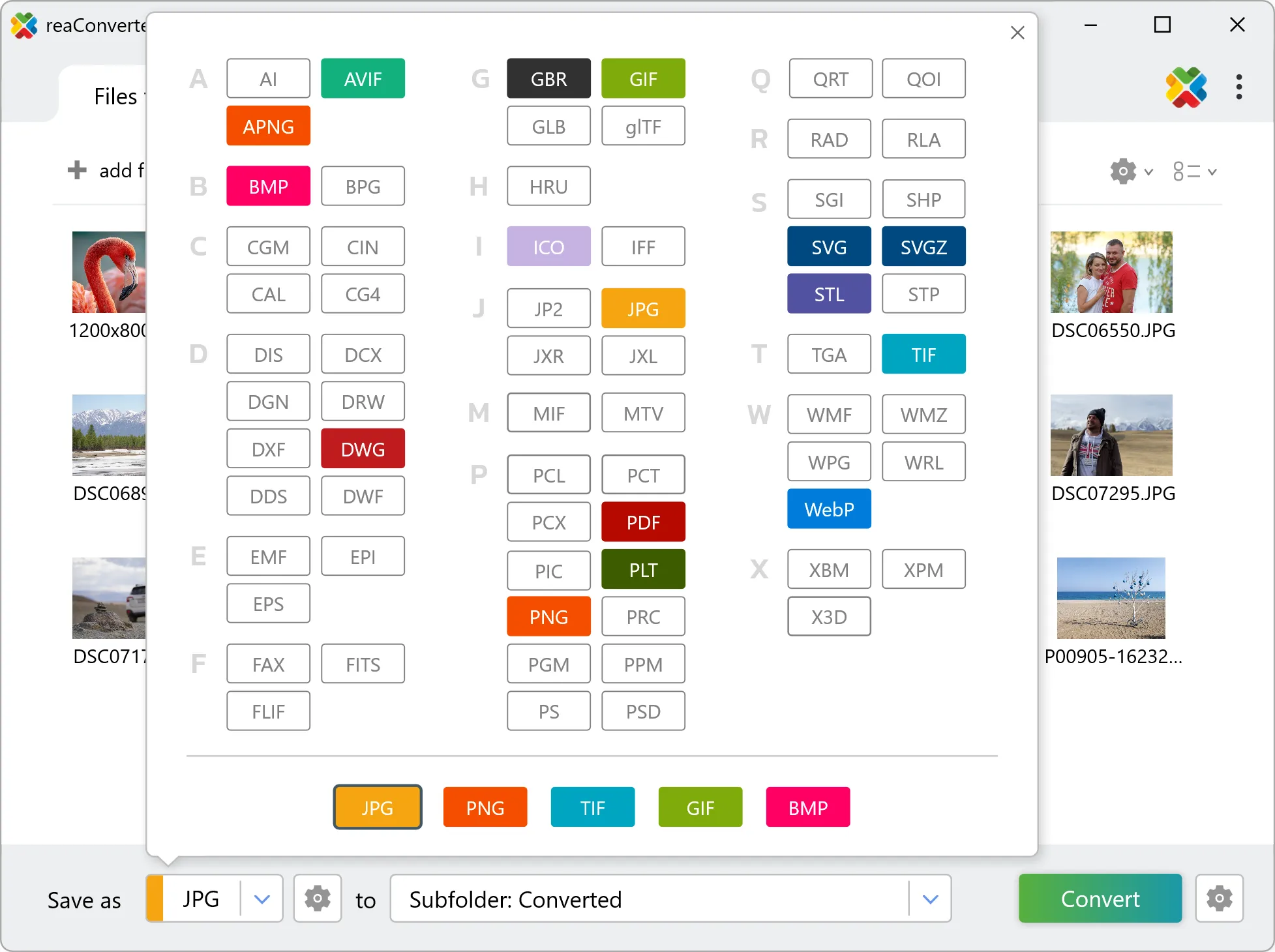
Yes! reaConverter instantly converts .rla to .stp with perfect quality preservation. With its batch processing feature, you can convert multiple files at once in just a few clicks. You can even convert RLA images directly from Windows Explorer using the right-click menu — fast and convenient.
What is reaConverter used for?
reaConverter is a Windows converter for 800+ formats, 3D models among them. For RLA to STP it replaces the round trip through Blender, a CAD program or an upload form: add the files, pick the output format, and the whole batch converts offline. Engineers, 3D printing shops and product teams use it to move models between CAD, printing, web and documentation formats.
Why choose offline conversion with reaConverter?
reaConverter is a software program that is used for offline files conversion. Your proprietary documents never leave your computer – essential for architects, engineers, healthcare and government contractors handling classified projects. Meets GDPR, HIPAA, CCPA, and corporate security policies by ensuring files never cross borders or third-party systems.
Can I convert RLA to STP online?
If you only need to convert a few RLA files to STP format, feel free to try our free online free online RLA to STP converter — perfect for small batches with no installation needed!
How can I turn RLA files into STP on my computer?
The best way to change RLAs to STPs on your PC is to install a quality piece of software, such as reaConverter. This software is extremely efficient in managing a wide range of batch files conversions, including conversion from RLA to STP.
How can I automate RLA to STP files conversion?
reaConverter supports all the most useful automation features such as right-click сonversion and Watch Folders for the most efficient automated files conversion in any software of this type.
Is there a way to convert RLA files to STP using the command prompt?
reaConverter provides full access to all its features via Windows command line, including a high-performance command-line rla to stp converter for batch processing.
What else can I do with reaConverter?
Convert PDFAdd watermark on imageConvert Gerber imagesConvert RGB to CMYKConvert raster to vector
Related conversions
Other ways to convert RLA files, and other sources that convert to STP.