Upscale
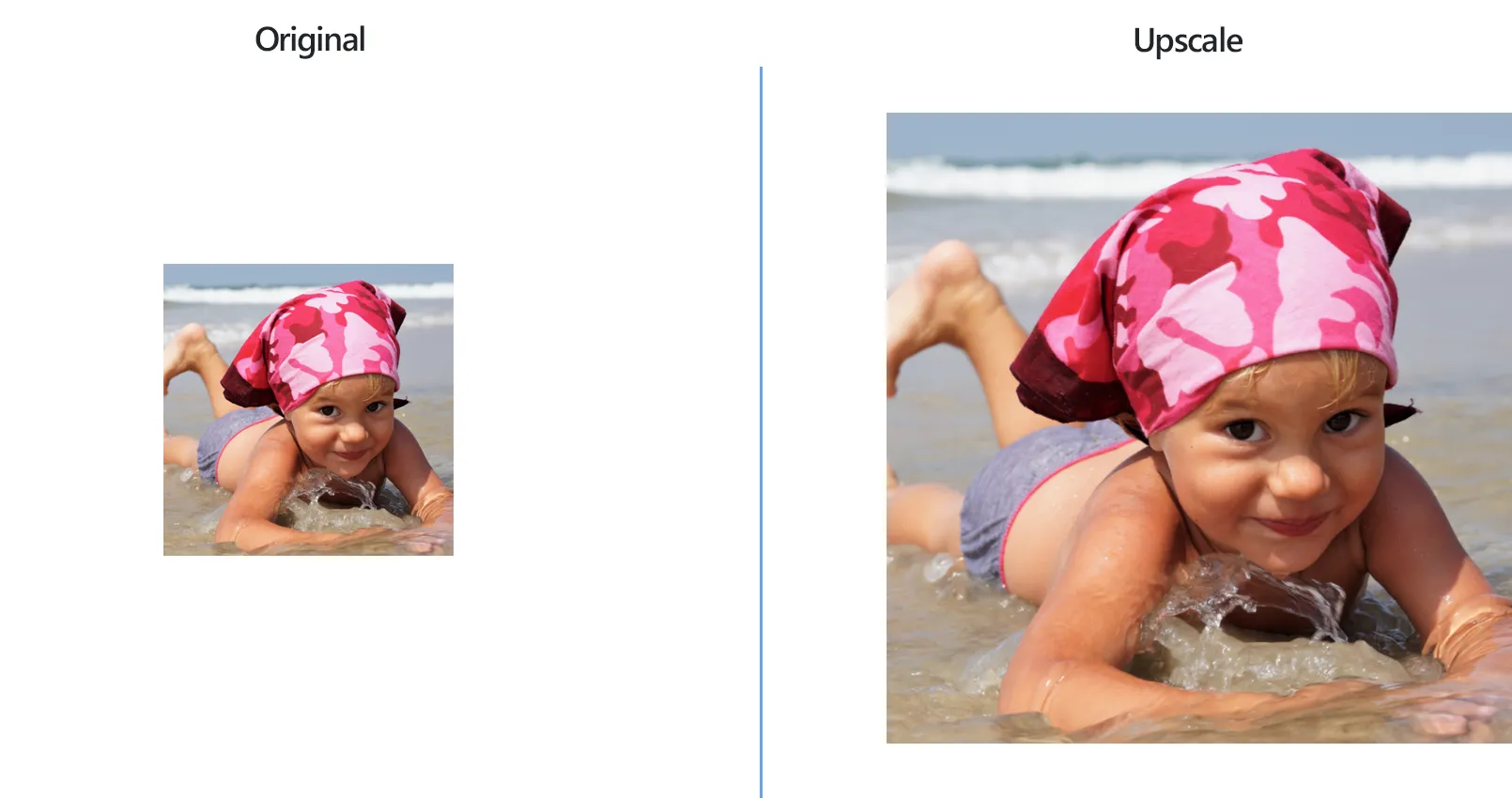
How to Upscale Multiple Images in One Go?
1. Open Images
Open reaConverter and add one or more files you want to upscale. You can select them from a folder or add a folder altogether.
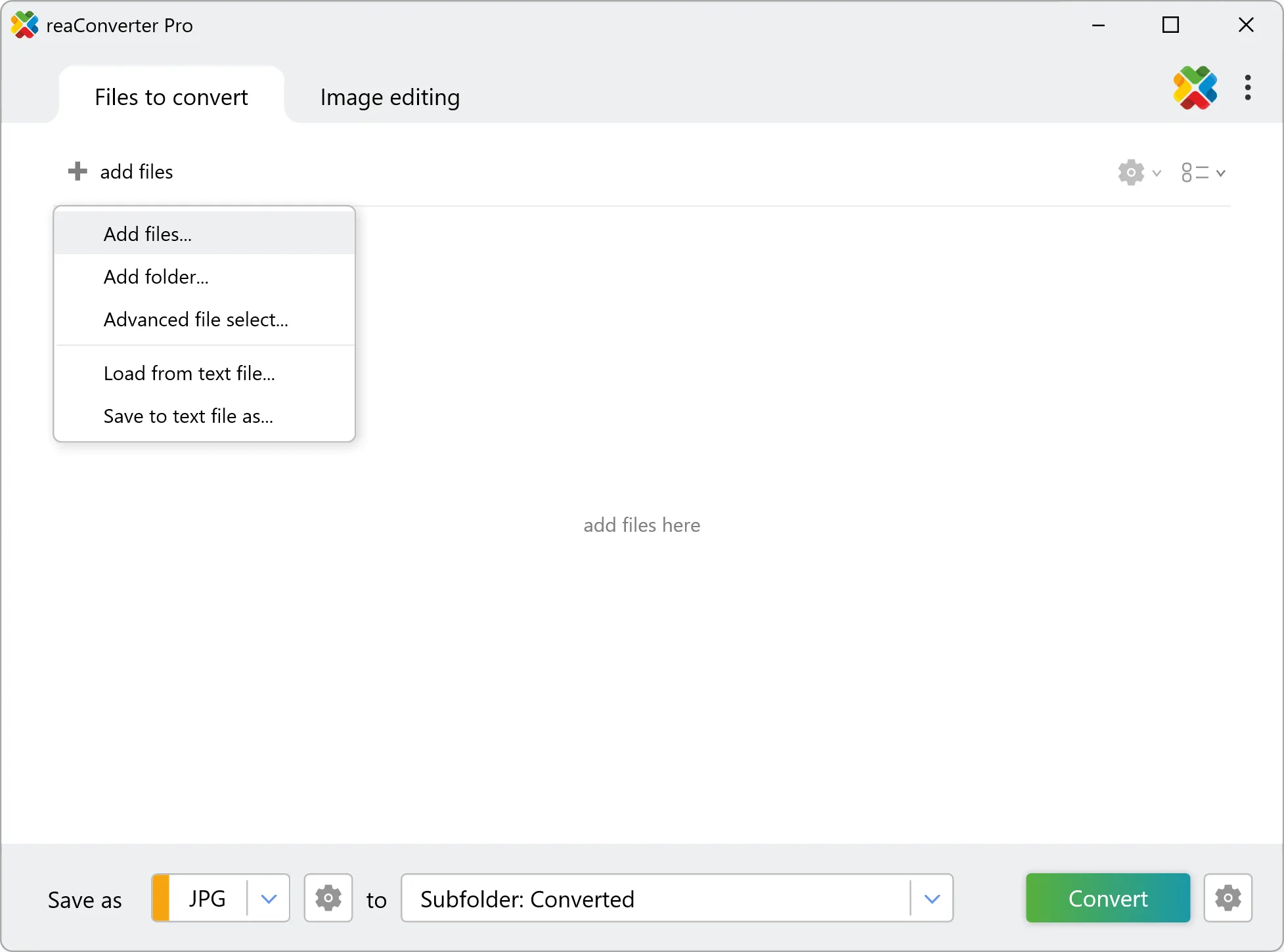
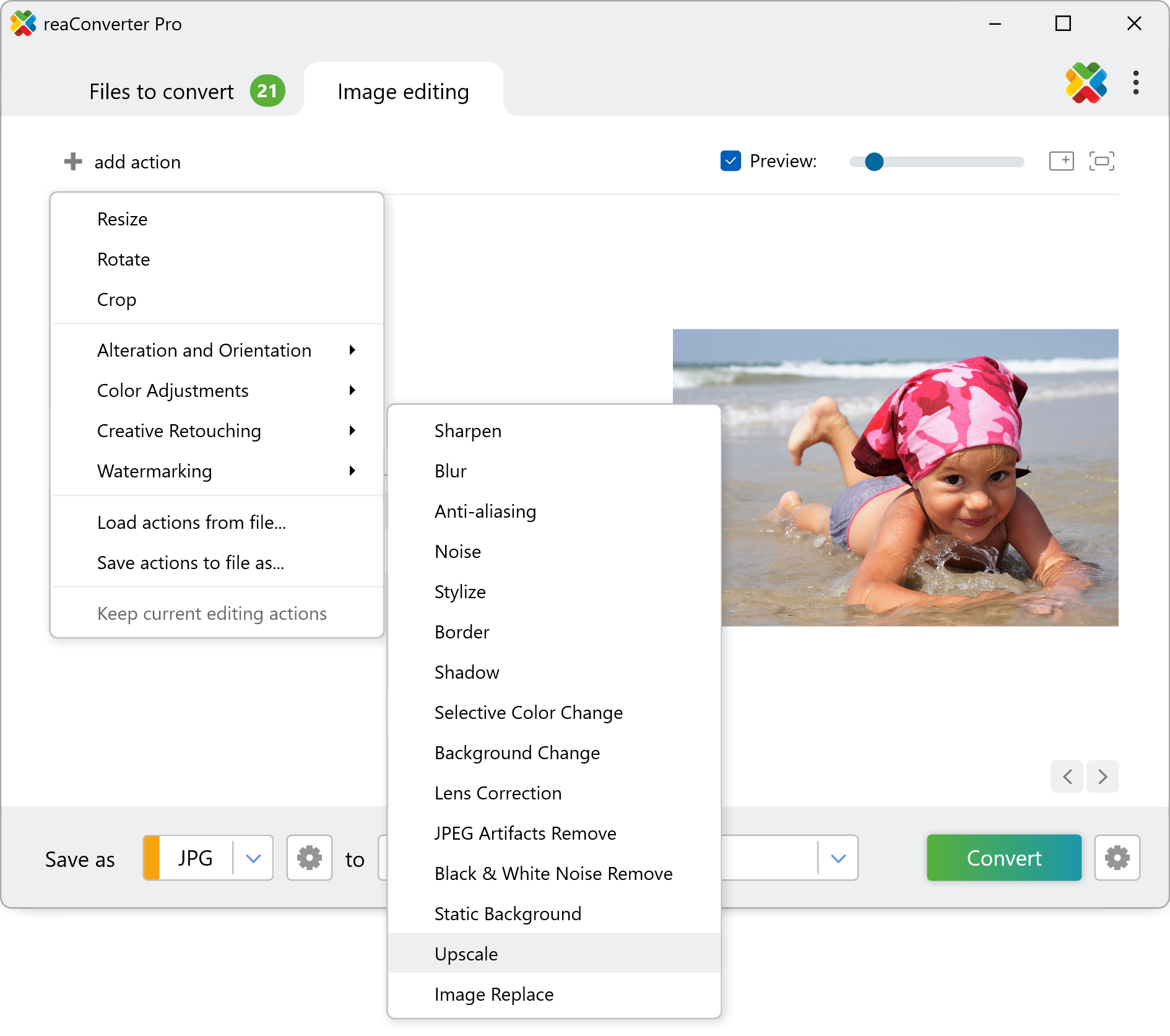
2. Add Upscale Action
In the Image editing tab, go to Add action → Creative Retouching → Upscale
Here you can choose upscale and image types.
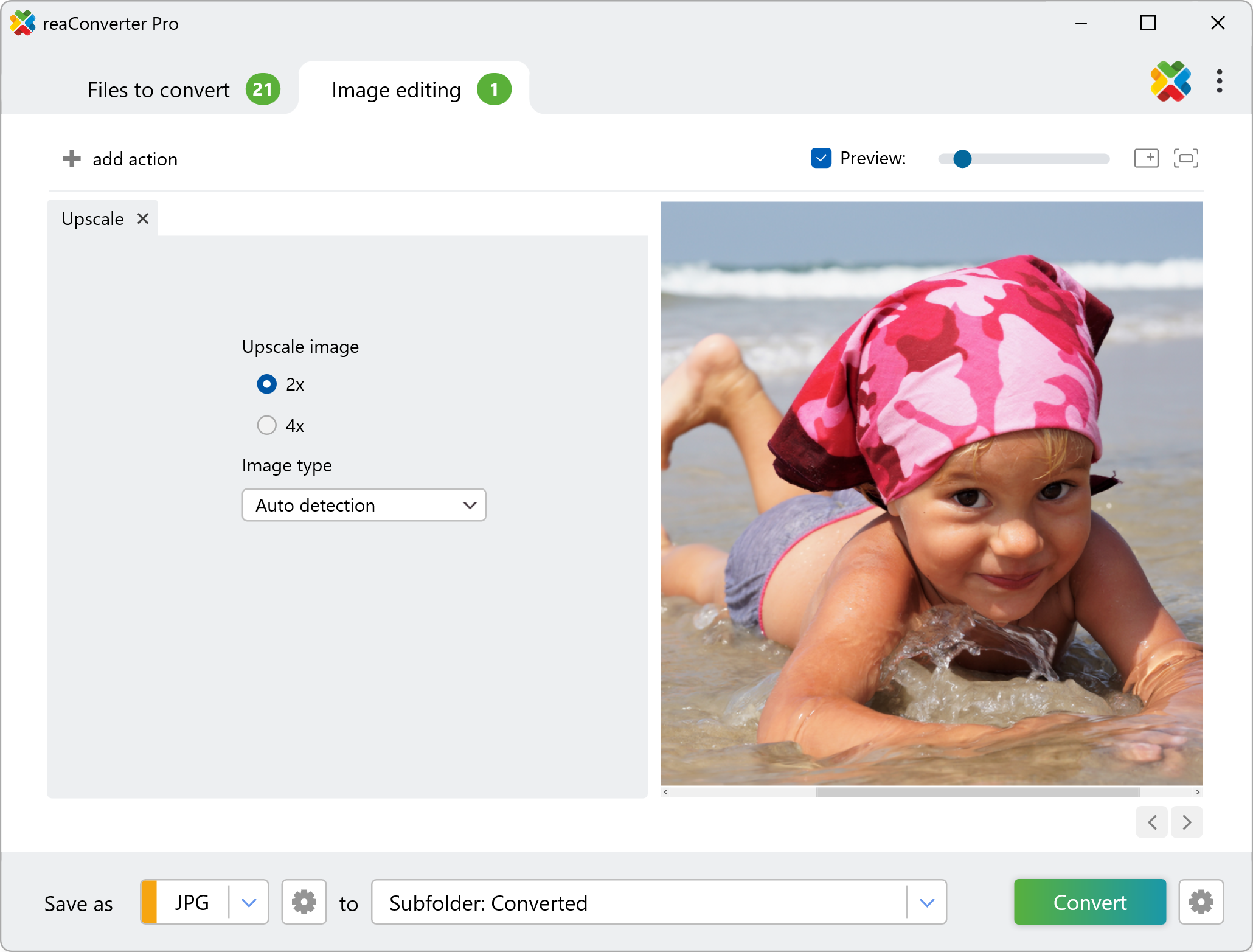
3. Save the Result
Choose a destination folder for the upscaled images.
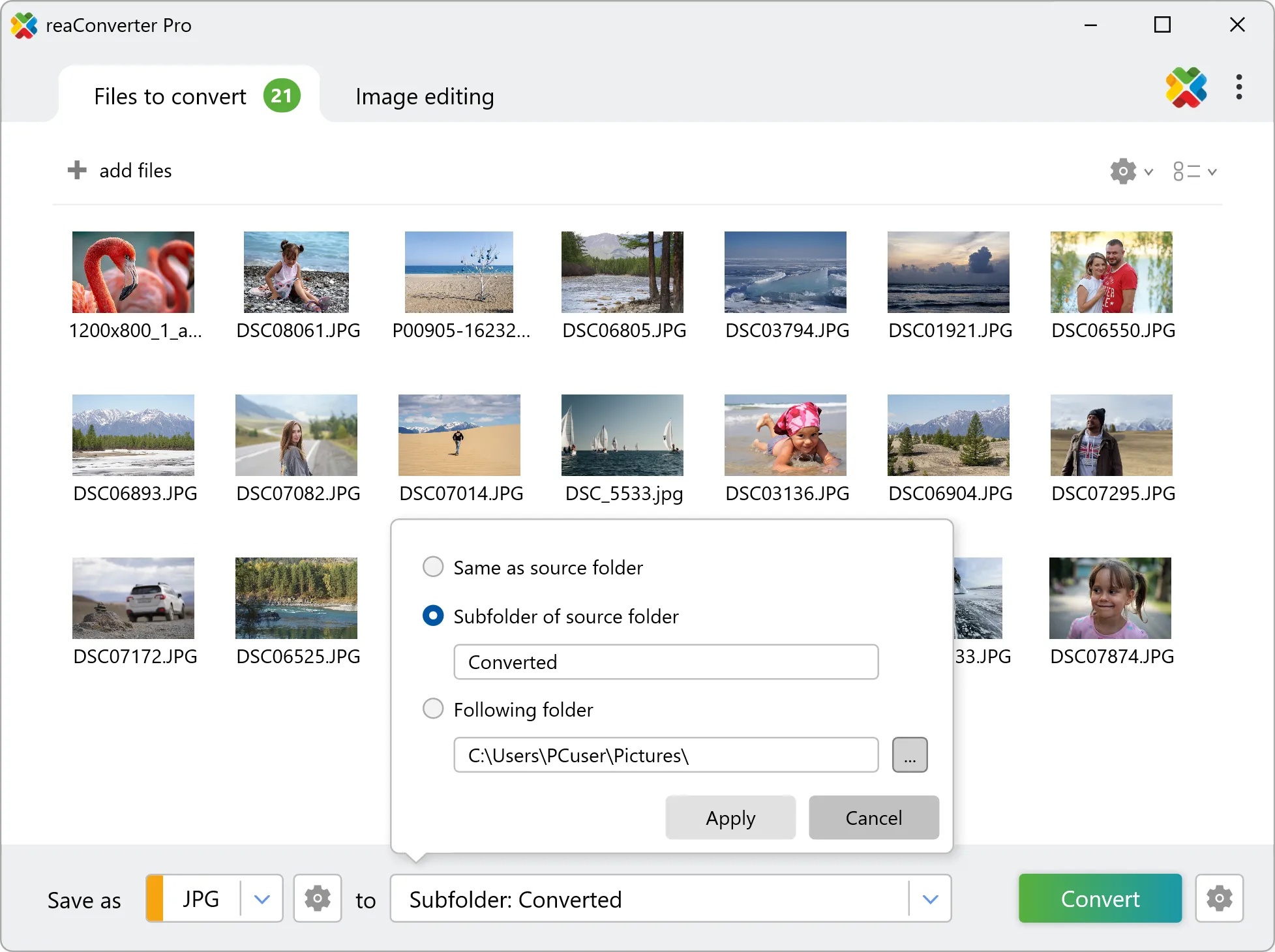
Then simply press the Convert button and your upscaling will begin in no time!
Watch How It Works
Upscale images on your PC
The fast and easy way to upscale photos on your PC is to use reaConverter. The software operates completely offline, keeping your files safe and private.
Command line
Upscale images with command-line tool
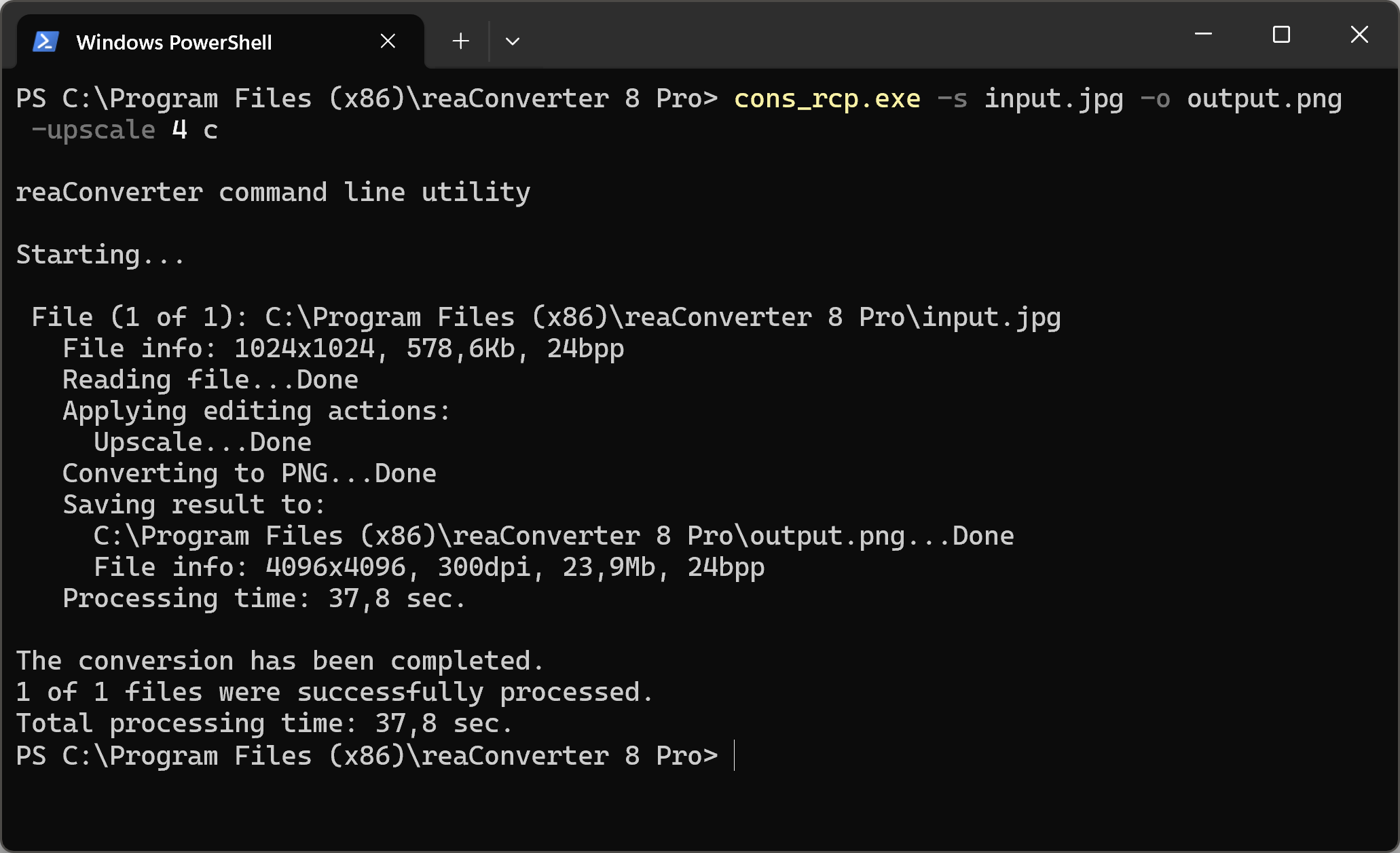
You can also upscale images with command-line interface, either manually or through automated scripts. reaConverter Pro includes a command-line tool called cons_rcp.exe — an advanced feature designed for professional use, available exclusively in the Pro edition.
Upscale example:
cons_rcp.exe -s "C:\Path_to\input_file.jpg" -o "C:\Path_to\output_file.jpg" -upscale 4 a
Manual
-upscale (upscales an image 2x or 4x)
  Optional parameters:
	  1. Upscale value (Syntax: 2, 4)
	  2. Image type (Syntax: a, c, p)
	     where "a", "c", "p" mean auto detection (default), clipart, photo
  Example:
    -upscale 4 c
You are welcome to contact our technical support when you have any questions about reaConverter.
Discover More
More than a converter
Advanced batch processing and editing for 800+ file formats, including CAD, medical imaging, and GIS. No cloud, no upload limits.
